Can I use Mobile Office with iPhone 5 / iOS 6?
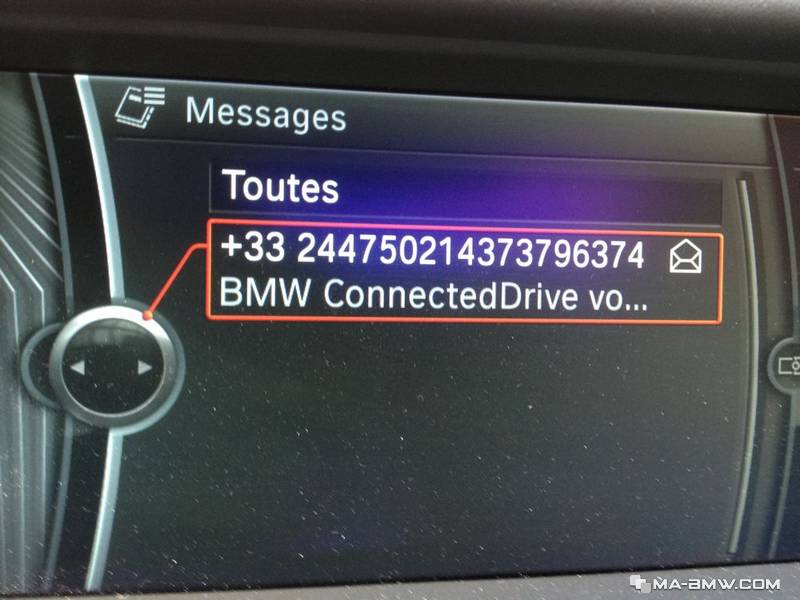
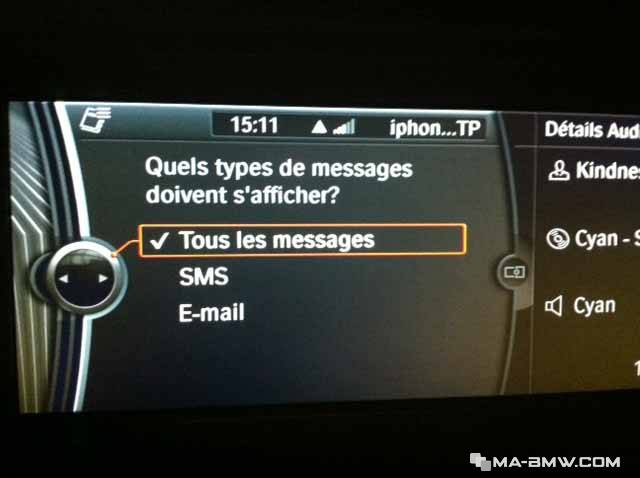
• With the release of iOS 6 (incl. iPhone 3GS/4/4S/5), Mobile Office is now supported for Text Messages and iMessages. This is available in cars with option code 639 / 6NL "BMW Assist with Enhanced Bluetooth". Owners will be able to see their text messages / iMessages on the screen,
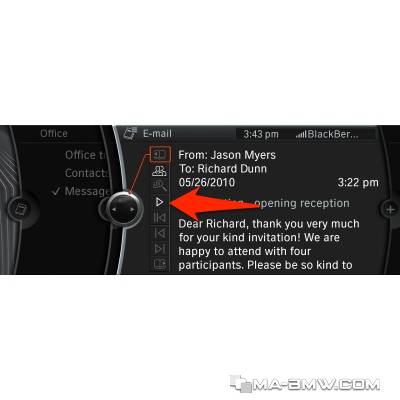
and can have them read aloud. (Read-out of messages also requires Navigation.)
• Not all of the Text Messages / iMessages on the phone will be displayed in the vehicle. Only new messages received while the phone is connected to the vehicle will be available in the vehicle.
• Owners will have to configure their phone as follows to activate this feature:
1. Pair the phone to the vehicle as normal.
2. Under "Settings" and "Bluetooth", press the blue arrow to the right of the paired vehicle:
3. Then turn on "Show Notifications":
`
4. Also,notifications must be turned on for "Messages" as well:
5. Owners then have to reconnect their phone to the vehicle. This is done by scrolling over the paired phone in the vehicle’s “Bluetooth” menu and pushing the iDrive controller.
6. Returning a phone call via the displayed text message / iMessage is not possible. Owners should either dial the number directly or select a contact from their address book using iDrive.